
01 For attendees

Tixian
Find the event, buy the ticket, add it to Apple or Google Wallet. No separate app needed at the door — the wallet pass is the ticket.
- Digital wallet tickets
- Instant email delivery
- Guest checkout


The apps
One for the people buying tickets, one for you, one for the staff at the door. They read from the same event, so a ticket sold online is a ticket the door already knows about.
iOS and Android · Wallet tickets included
Find the event, buy the ticket, add it to Apple or Google Wallet. No separate app needed at the door — the wallet pass is the ticket.

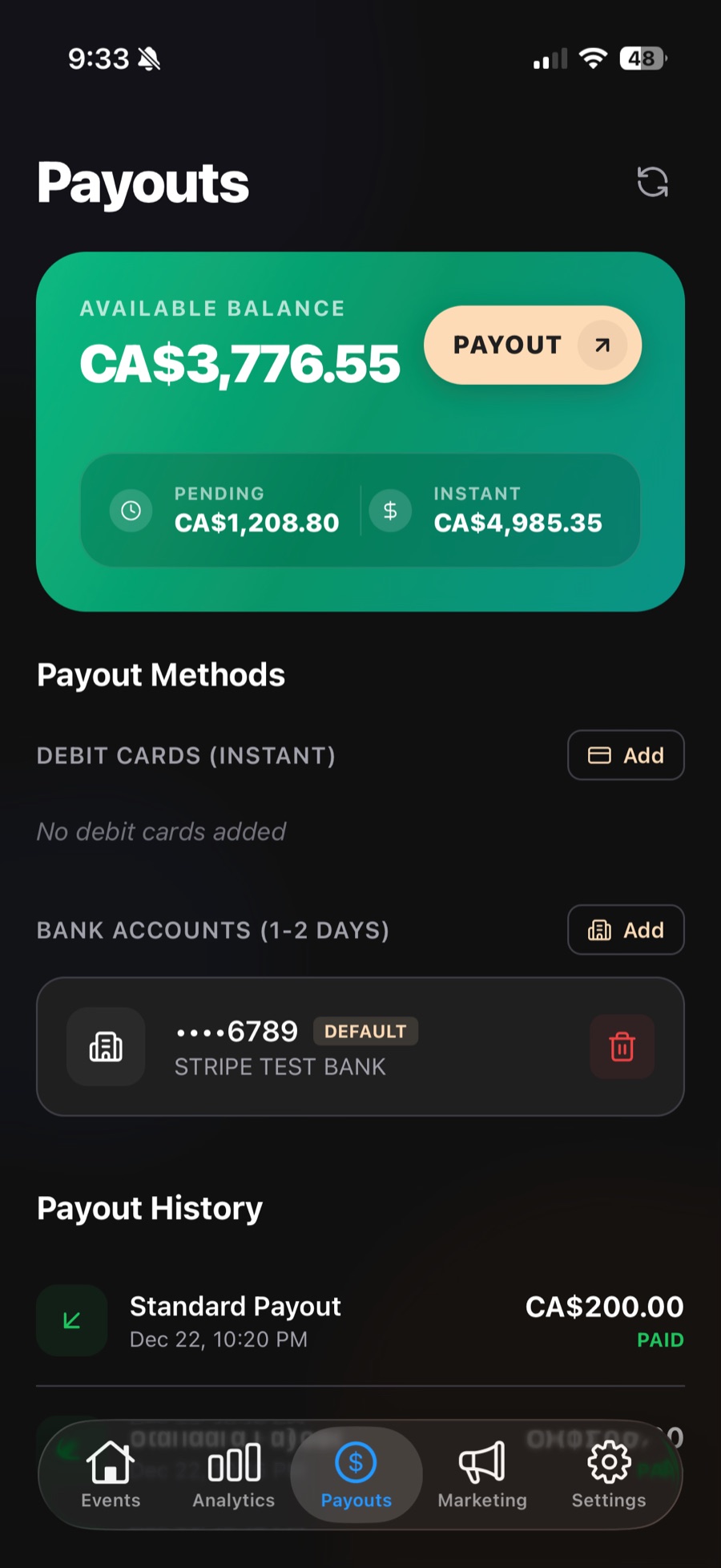
Your command centre away from the desk. Create events, check sales, send a campaign, and request a payout from your phone.

Scan wallet tickets and sell walk-ups from one screen. Tap to Pay turns a supported phone into the card terminal, so there is no reader to rent.

What you need
Ticket scanning and Tap to Pay run on the phone your staff already carry. Nothing else to buy.
Supported iPhone on iOS 17.6+, or Android 8.0+. Not supported on iPad.
Needs a connection to verify a ticket. Queued scans confirm after sync.
Apple Wallet and Google Wallet. No attendee app required at the gate.
Get the apps
Download the Door app before load-in and check every ticket from a supported phone. Host payouts run from the Host app.