
For organizers

Run the night, not the tabs.

Sell the ticket, scan the door, take Tap to Pay, request the payout, and send the message that fills the next room. The whole operating loop in one system.

Transaction fee
3% + $1.50
Payouts
Minutes
To start
$0

The command centre

Every show, one dashboard.

Sales, orders, and revenue read the same way whether you run one room or a calendar of them.

Event overview

Sales, orders, and revenue across your next three shows.

Total Revenue

$48,260.00

Total Events

6

Total Users

3,184

Total Orders

1,247

The operating loop

Sell. Pay. Fill.

One account from the first sale to the final payout.

Open a host account
01 Sell

Set the tiers, then publish.

Name the show, set capacity, and add the tiers the room actually sells. Early bird, general admission, VIP tables — each with its own price, inventory, and sale window.

  • Ticket tiers and capacity
  • Free tickets stay free
  • Apple & Google Wallet tickets
Events / Friday Night Live
On sale

Ticket Tiers (3)

Gross sales$12,480.00
02 Pay

Take the money out the same night.

A ticket sells, the balance moves. Request a payout to any Visa debit card and it lands in minutes, not weeks. No net-30 terms, no waiting for the event to close.

  • Instant payouts on every plan
  • Visa debit destination
  • No separate payout fee
Payouts
Visa ···· 4242

Available Balance

$18,420.00
+12.4%

Paid Out This Month

$42,180.00
+8.2%
Recent payouts
Instant
  • Instant PayoutSat, 8:30 PM$5,240.00
    Paid
  • Instant PayoutSat, 6:12 PM$3,860.00
    Paid
03 Fill

Send the message that fills the next one.

Your attendee list is built from your own sales, not rented from a marketplace. Send SMS or email, then see which campaign turned into tickets.

  • SMS and email campaigns
  • Your own audience
  • Tracked to the sale
Marketing / new campaign
Draft
1,240 contactsPast attendees

61 characters

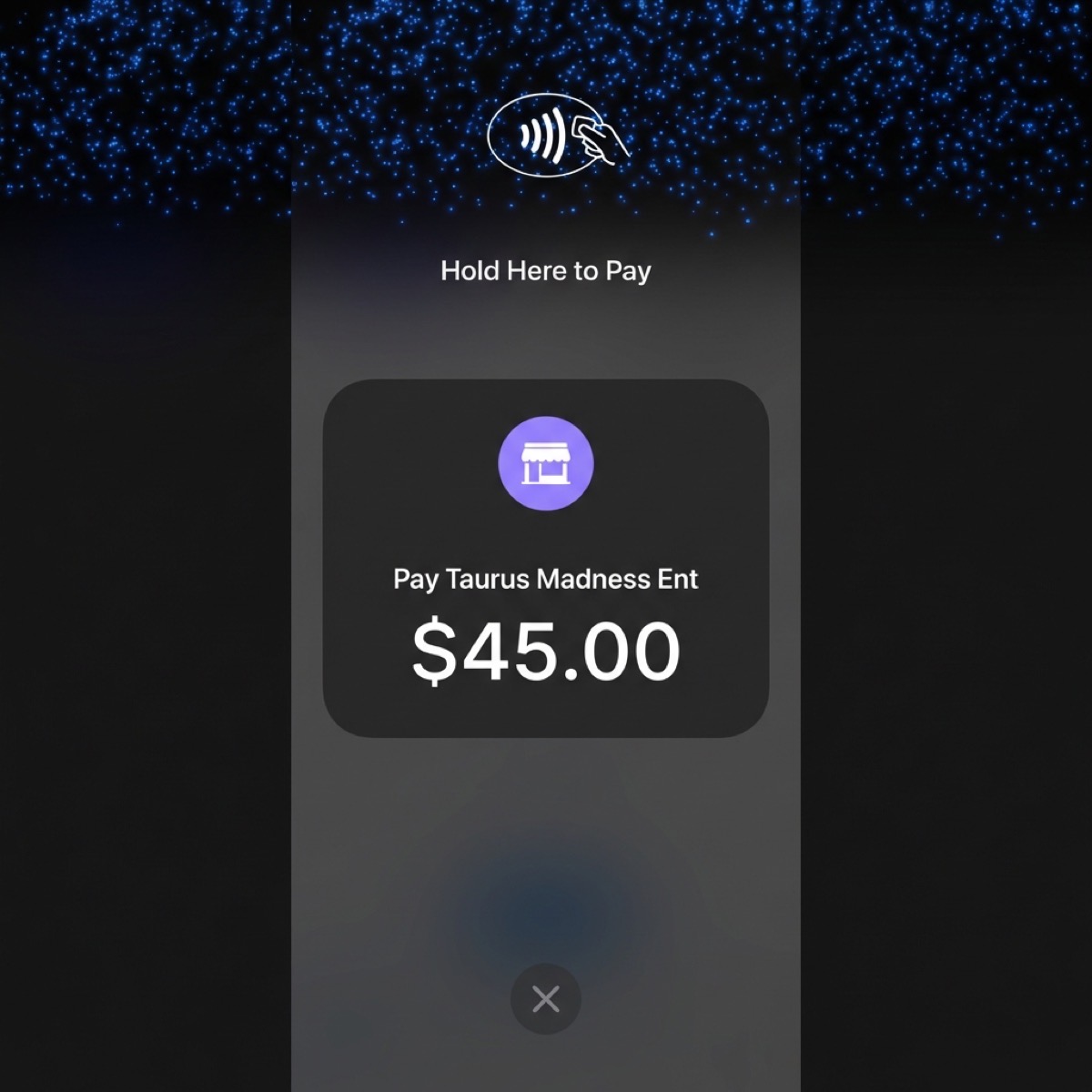
Tixian Door app showing the Tap to Pay prompt for a $45.00 ticket

At the door

The queue moves. Nothing else stops.

Turn a supported phone into a card terminal. Take Tap to Pay at the door, scan wallet tickets, and keep walk-ups and will-call in the same line, without renting a reader.

  • One phone, no reader Tap to Pay is built into the Door app. No rental hardware, no pairing, no second terminal to charge.
  • Card and wallet Contactless cards, Apple Pay and Google Pay settle through the same checkout as online sales.
  • Same queue, faster Scan a wallet ticket and sell a ticket at the door from one screen, staffed by one person per lane.
iPhone iOS 17.6+ Android 8.0+ Not supported on iPad

Tap to Pay works on a supported iPhone (iOS 17.6+) or Android phone (Android 8.0+). It does not work on iPad. Scanning needs a connection; if signal drops, scans queue on the device and are confirmed after sync.

See the apps

Night-of operations

Built for the hour before doors.

The part of ticketing that only shows up when the line is out the door.

01

Door scanning

Validate every QR in the Door app, one lane at a time, with guest-list and will-call check-in.

02

Weak signal

If a scanner drops connection, scans queue on the device and verify when it returns. A queued scan confirms after sync, not at the gate.

03

Tap to Pay

Sell a walk-up on a supported iPhone or Android phone. No rented terminal and no second queue.

04

Reporting

Sales, check-ins, and campaign performance in the same dashboard you run the event from.

Tap to Pay requires a supported iPhone (iOS 17.6+) or Android phone (Android 8.0+) and is not supported on iPad. Scanning requires a connection.

Host questions

Before you switch.

Do I have to use every part of the platform?

No. Some organizers start with online ticketing only and add the Door app and campaigns later. The transaction fee and plan work the same way either way.

How fast do payouts arrive?

Request a payout as soon as a ticket sells. It lands on any Visa debit card in minutes, not weeks, on every plan including Free.

What devices does the Door app need?

The Door app runs on iOS and Android. Tap to Pay works on a supported iPhone (iOS 17.6+) or Android phone (Android 8.0+), and does not work on iPad. Scanning needs a connection.

Can I keep selling tickets while the door is open?

Yes. Online sales, door sales, and check-in can run at the same time, and the remaining capacity updates as each ticket is sold.

For hosts

Open the room in one account.

Create the event, publish the page, and take the first sale tonight. Instant payouts are included from the Free plan.